Ignored Fields
Input Mode
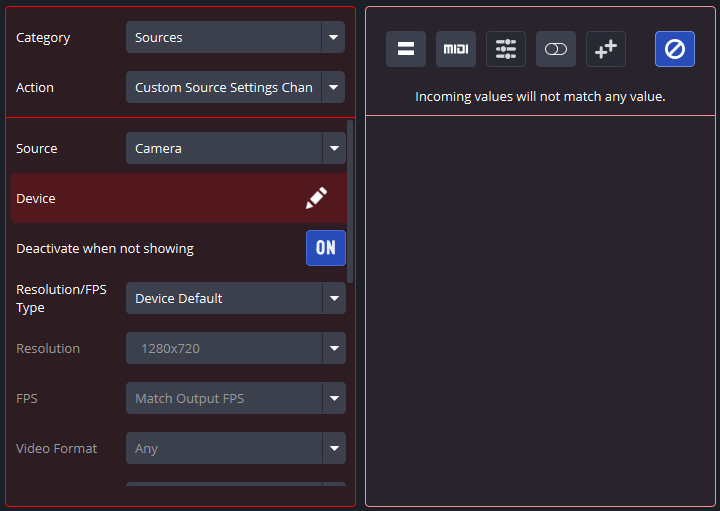
When working with an input  (Ignored) Field, the plugin will not use the input Field when determining Binding fulfillment. This Field type is mainly used for situations where multiple input Fields are present and only some of them need to be included in Binding fulfillment.
For example, in the output Action above, the Device Field in the Camera source settings will not impact Binding fulfillment - even if it changes.
Input Bindings cannot have input Ignored Fields, as all parts of the MIDI message must be accounted for. Therefore, input Ignored Fields can only appear in output Bindings.
Output Mode
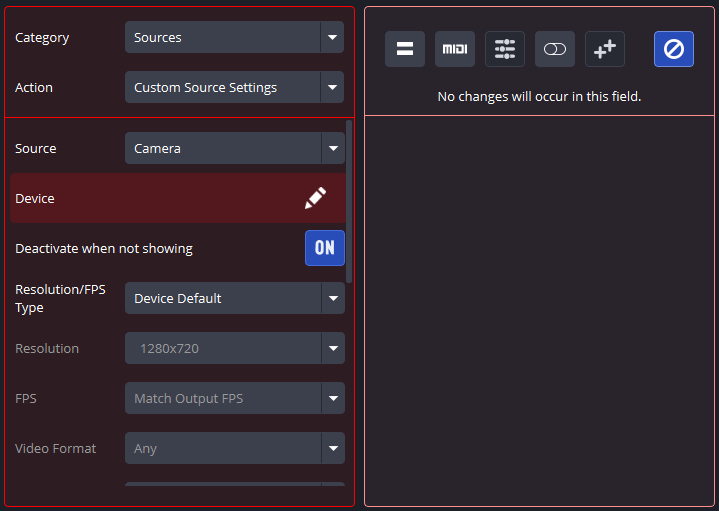
When working with an output (Ignored) Field, the plugin will not change the output Field’s value. This Field type is mainly used for situations where multiple output Fields are present and only some of them need to be changed upon Binding fulfillment.
For example, in the Action above, the Device Field in the Camera source settings will not change, no matter what other settings the Action does change.